
Locating Coupons and Purchases in your GrabOne Account
Recently made a purchase and need to download your coupon or purchase summary? Follow our instructions for GrabOne Website, the GrabOne app, or our mobile website!
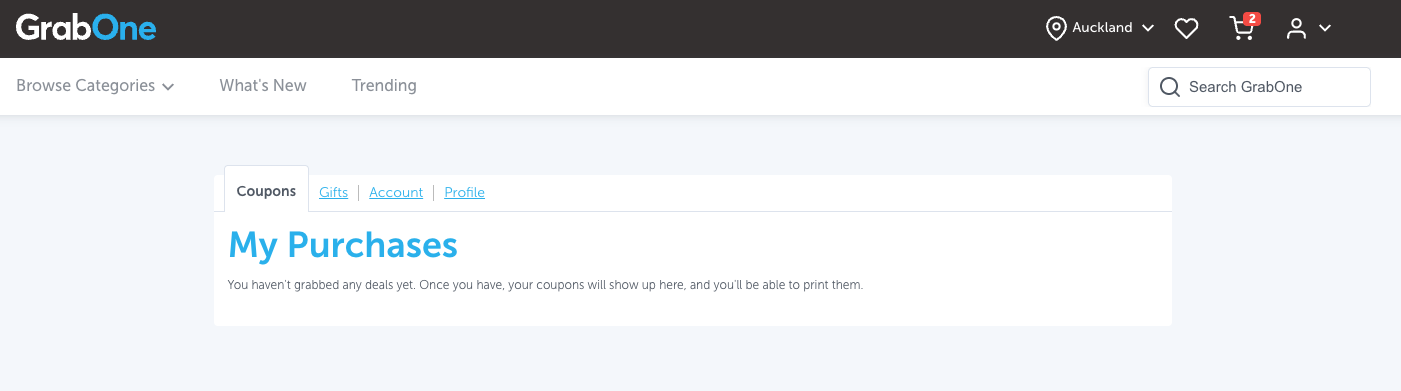
If you purchased a coupon on the GrabOne website and can't find it, no worries! Just log into your GrabOne account and go to My Purchases.
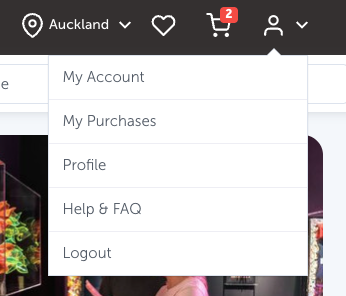
In your purchases, you'll be able to view Available Purchases, Used Coupons, and Expired coupons. By default, you'll see all purchases made on your account.
If you'd like to sort your purchases by expiry date, simply click on the drop down as shown below:
Purchase Summaries: If you are in search of a purchase summary for a specific transaction, simply locate the purchase you are interested in, and beneath the image associated with that purchase, you will find your Purchase Summary available for download!
Can't find your purchase? Try these first:
Check you're logged into the correct GrabOne account - you may have purchased using a different email address
Check your payment went through by reviewing your bank statement
Check your coupon hasn't expired - expired coupons can be found under the Expired tab in My Purchases
If you are looking for a purchase that you are unable to locate in your account, please contact our Support team.