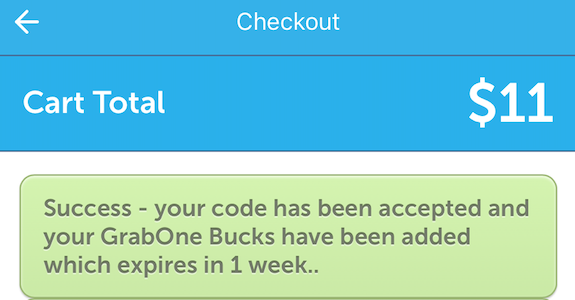
How do I add a promo/discount/credit code at the cart?
Redeeming your promo code is simple! When you're ready to check out after adding a deal to your cart, you'll see a spot to redeem your code.
Redeeming a code on GrabOne via Website:
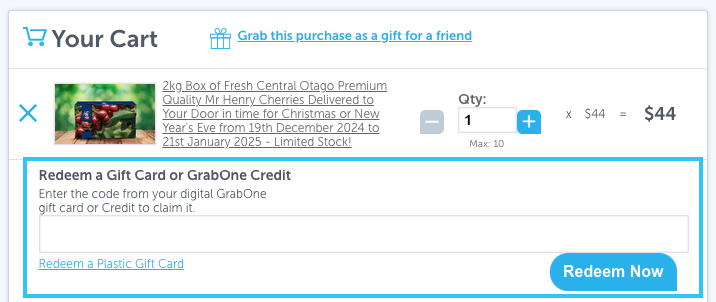
Simply paste or type your code in the spot under 'Redeem a Gift Card' or 'GrabOne Credit' and click Redeem Now.
Important: If you do not click Redeem Now after entering your credit code, the credit will not apply.
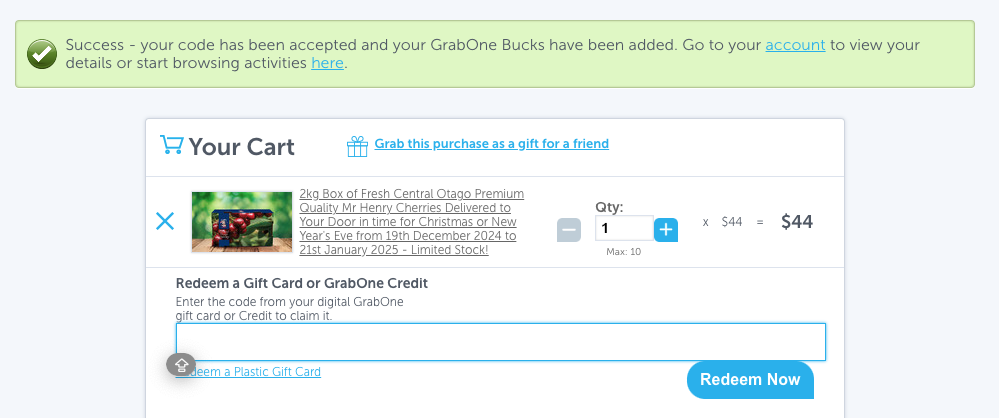
Once you've clicked Redeem Now, the page will refresh and confirm that the code has been accepted.
Redeeming a code on GrabOne via GrabOne App/Mobile:
Simply click Redeem a Gift Card or GrabOne Credit to reveal a drop down section for you to paste or type your code in as shown below:
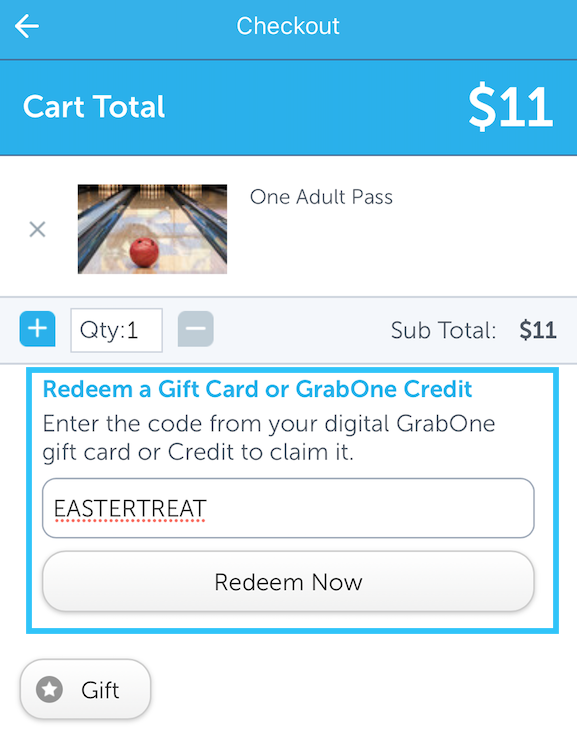
In order for the credit to apply to your purchase, click Redeem Now. You'll know you're successful when you see a Success message pop up to confirm you have redeemed the GrabOne credit code.