
How to Purchase a GrabOne Deal as a Gift
Purchasing a gift coupon is slightly different from how you would usually purchase a coupon on GrabOne. Follow the steps below to buy a gift coupon.
First, locate a deal you intend to purchase as a gift for someone. Under the Buy button, you'll see an option to Gift One to a Friend!
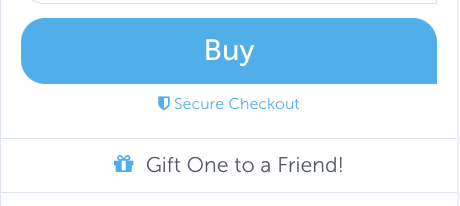
If the deal requires you to select a specific option, choose the option you'd like to gift, then click 'Gift One to a Friend!' You will be directed to your Gift Cart to complete the purchase.
Here, you can choose whether to notify the gift recipient yourself or have GrabOne send the notification directly to them. To do this, you will need to provide the gift recipient's email address.
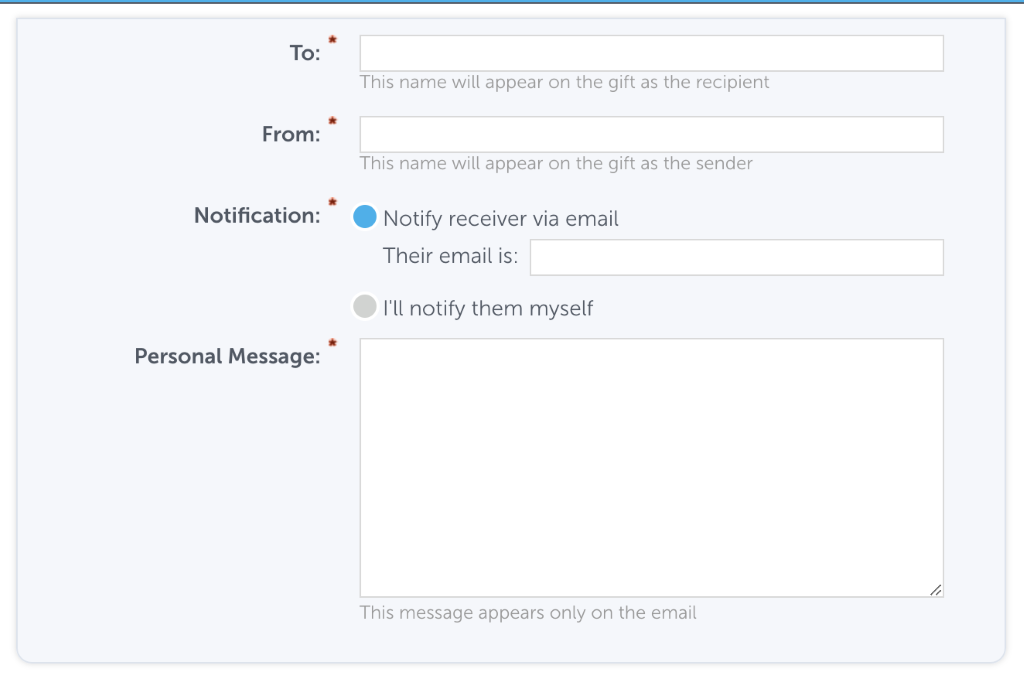
Once you have completed this step, enter your payment information and click 'Complete My Order.' From there, both you and the gift recipient will receive a copy of the purchase.
If, for any reason, you are unable to locate the gift purchase in your inbox, a copy can also be found in your purchases.