
How to add a purchase to the cart
Edited
Found a great deal you're looking to purchase but aren't too sure how? Follow the steps below to add your purchase to your cart!
First, find a deal you'd like to purchase! With our Experience and Escape deals, you will likely need to select a deal option before clicking the big blue Buy button. For Store deals, take note of the delivery area.
To select an option, simply click on 'Choose Option,' and a drop-down menu will appear. From there, select the option you'd like to purchase.
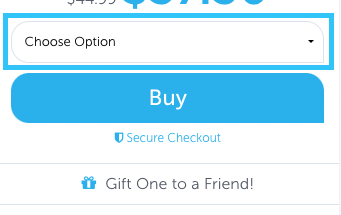
From here, click the big blue Buy button below the options, and you'll be redirected to the Cart to complete your purchase.
GrabOne Cart
Purchasing
GrabOne Purchase